
Key Takeaways
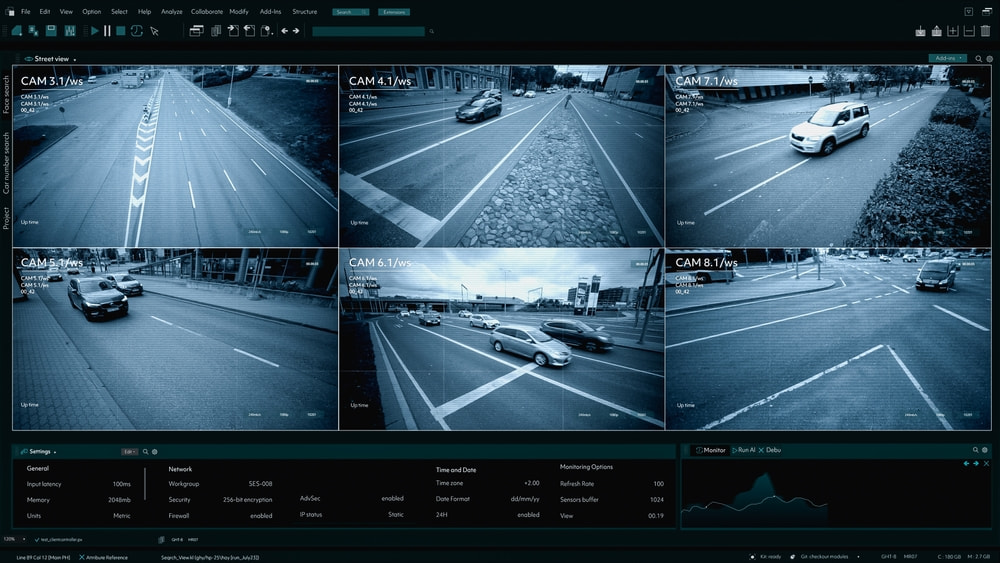
- Modern surveillance combines cameras, storage, software, alerts & remote access.
- Property-specific design helps eliminate blind spots and improve usable coverage.
- Live and recorded footage supports monitoring, investigations & incident review.
- Video analytics can flag defined activity and trigger alerts for faster review.
- Remote monitoring adds professional oversight and response to security events.
Video surveillance in New York has changed from a simple way to record activity into a connected security tool that helps property owners see what is happening, review what already happened, and respond more effectively when something needs attention. For businesses, residential buildings, retail spaces, warehouses, and other properties, that visibility can support everything from theft prevention to incident documentation.
At ADR Security, we view surveillance as a complete system, not a collection of cameras mounted around a building. Recording equipment, management software, alerts, storage, and remote access all need to work together. When the system is designed around the property itself, it gives you useful coverage instead of simply producing more footage. Understanding how those parts connect is the first step toward deciding what kind of surveillance setup makes sense for your space.
What is professional video surveillance?
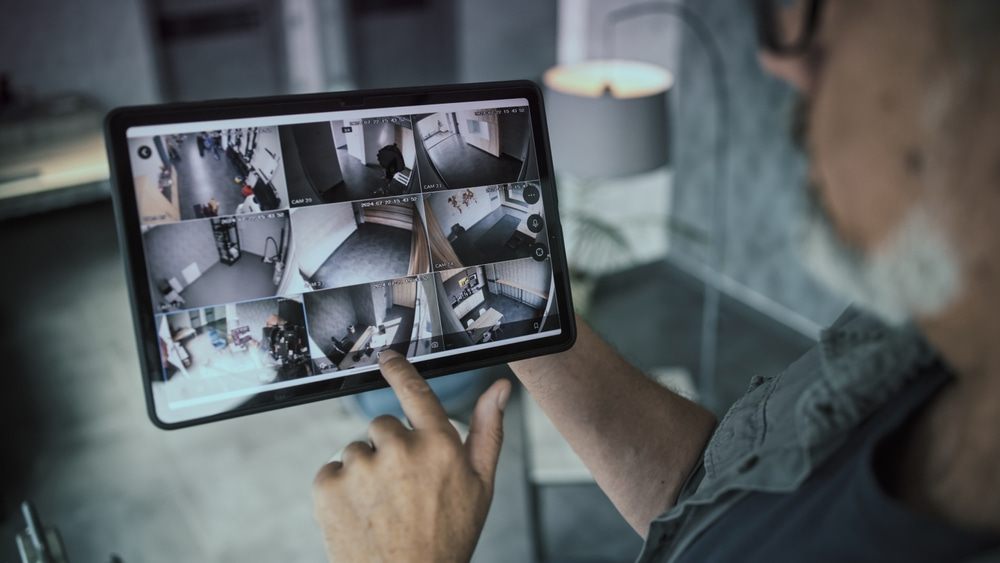
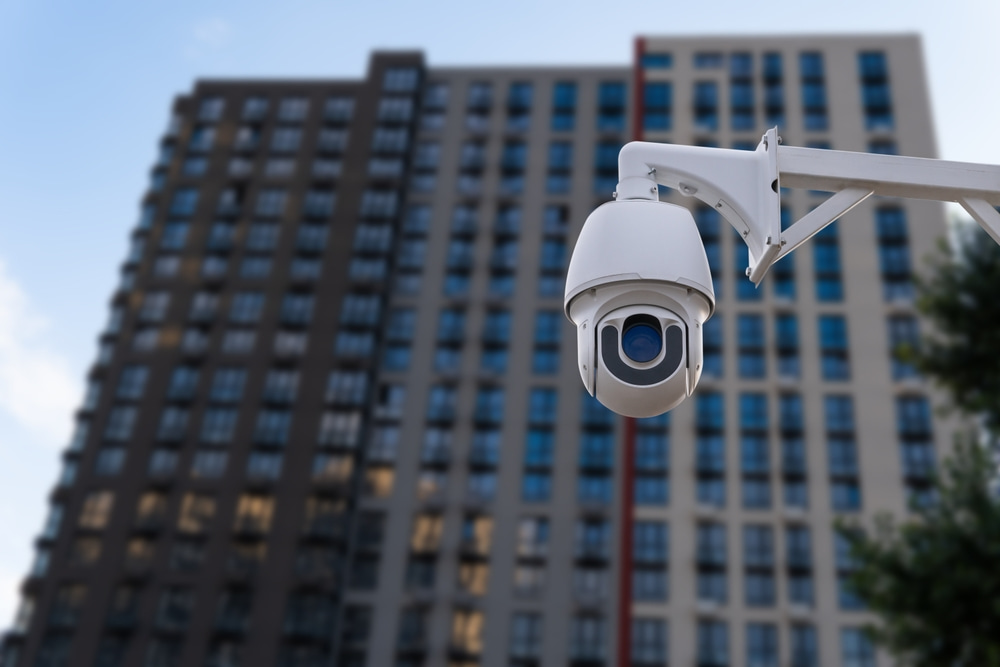
High-end surveillance systems use cameras and supporting technology to observe, record, manage, and review activity around a property. The cameras are only one part of the setup. Advanced video surveillance systems also need a way to transmit video, store footage, organize camera feeds, control user access, and make recordings available when someone needs to investigate an event. Depending on the property, it can also include motion detection, analytics, alerts, cloud access, or professional monitoring.
Putting cameras in place does not automatically create useful coverage. If an entrance is poorly positioned, an important area sits outside the field of view, or footage is difficult to retrieve, the system may miss the information you actually need.
How does a modern surveillance system work?
Today’s surveillance setups capture video, transmit it to a recording or management platform, store it, and make it available for live viewing or later review. Each camera captures activity within a defined field of view. From there, the video travels to recording equipment or a cloud-managed platform. Video management software then helps authorized users view live feeds, search recordings, manage multiple cameras, and respond to alerts.
In practical terms, the flow often looks like this:
- Capture: Cameras record activity in selected areas.
- Transmit: Video moves to the recording or management platform.
- Store: Footage is retained locally, in the cloud, or through both.
- Manage: Authorized users organize cameras, search recordings, and control access.
- Review or respond: Staff or monitoring personnel assess an event and take the next step.
What equipment makes up a video surveillance system?
Our high-end setups combine cameras, recording or storage technology, management software, network infrastructure, and viewing tools. The exact equipment depends on the property. A small office may need only a few carefully placed cameras and straightforward remote access, while a large multifamily or commercial property may require more cameras, different user permissions, longer retention, and integration with other security systems.
Surveillance cameras
Security cameras capture the visual information the rest of the system uses. Different locations may call for different fields of view, mounting positions, low-light capability, zoom functions, or environmental protection. The goal is not to install the most cameras possible, but to create useful coverage.
Recording & storage
Recorded footage needs somewhere to go. Depending on the design, video may be stored on an NVR or DVR, in cloud storage, or through a hybrid arrangement. Storage planning affects how much footage can be retained and how easily users can retrieve it.
Video management software
Video management software, often called VMS, provides the interface for viewing and organizing camera feeds. It can help users search recorded video, manage multiple locations, assign permissions, and move between live and historical footage.
How do you watch live video & review recorded footage?
Authorized users can view live cameras or retrieve recorded footage through the system’s management platform. Live viewing helps when you need to check what is happening now, while recorded video becomes especially important after an event. A manager might review an entrance after an unauthorized access incident or locate the time of an accident in a common area.
Good video security makes that process manageable. Users should be able to identify the relevant camera, narrow the time period, find the event, and export footage when necessary without searching through hours of unrelated video.
Remote access adds flexibility. Depending on system permissions, authorized personnel may be able to check cameras from a phone, tablet, or computer even when they are away from the property. Centralized access is particularly useful for people responsible for multiple locations.
What do video analytics & alerts add to surveillance?
Video analytics help a surveillance platform identify defined activity or events so users do not have to rely entirely on someone watching every camera feed. Traditional surveillance is largely reactive: something happens, and someone searches the recording afterward. Analytics can make the system more proactive by identifying movement in a designated area or another predefined event and generating an alert for review.
That does not mean every movement should trigger an event notification. Poorly configured alerts quickly become noise. The useful approach is to decide which events require attention, where those rules should apply, and who should receive the notification.
For example, activity at a main entrance during business hours may be routine, while movement around a restricted area late at night may warrant review. The rules should reflect how the property actually operates.
How does remote monitoring fit into video surveillance?
Remote monitoring adds active oversight by allowing trained personnel to review video and respond to defined events without being physically present at the property.
This is different from simply having remote access. Remote access means an authorized user can log in and look at cameras. Professional monitoring adds people and response procedures to the technology.
At ADR Security, we combine integrated video security with remote monitoring when a property requires that additional level of oversight. Our vigilant monitoring personnel review alerts, verify activity, and follow the response procedures established for the site. Cameras show us what is happening, while alarms, access events, or other connected systems add context and help us provide a timely and informed response.
Why does system design matter as much as the equipment?
Surveillance design determines whether the technology actually covers the places, activity, and risks that matter to your property.
A high-quality camera cannot compensate for a poor field of view. Long retention is not useful if no one can efficiently find the needed recording. Remote access adds little value if permissions are poorly managed.
Before we recommend equipment, we look at the property itself. That includes entrances and exits, traffic flow, interior and exterior areas, camera placement and lighting, existing infrastructure, blind spots, restricted spaces, operating hours, and how people use the building.
We also consider what you need the system to accomplish. Some properties prioritize after-hours activity. Others need better incident documentation, easier multi-site oversight, or more visibility around delivery and service areas.
How can I get in touch with the leading specialists in video surveillance in New York?
At ADR Security, we design high-end surveillance solutions around the way your property actually operates, from busy storefronts near SoHo to multifamily buildings, offices, and commercial facilities across NYC. If you’re weighing your options or have trouble cutting through industry jargon, we’ll gladly guide you through the difference between surveillance and active video monitoring, modern surveillance solutions for business and property security, the planning process before surveillance installation, and much more.
Our team can assess your property and recommend a setup that fits your daily operational needs and security priorities. Contact us today!


