
Key Takeaways
- Security systems connect sensors, cameras, and alarms through one control panel
- Each component detects, communicates, or responds to threats automatically
- Alarm systems only alert; full systems add video, access control, and monitoring
- Cloud-connected panels let you manage and update your system from anywhere
- Integrated setups coordinate every device for faster, more reliable responses
Most people can name two or three parts of a standard protection setup, but few understand how those parts actually communicate with each other. That gap in knowledge often leads to mismatched equipment and coverage blind spots that go unnoticed until something goes wrong.
A properly planned security system installation in NYC starts with understanding what each component does and how they all fit together. Breaking down the key elements before you invest helps you make sharper decisions and avoid paying for features you do not need. This guide covers the core pieces, how they work, and where most setups fall short. Read on!
How does a home security system work?
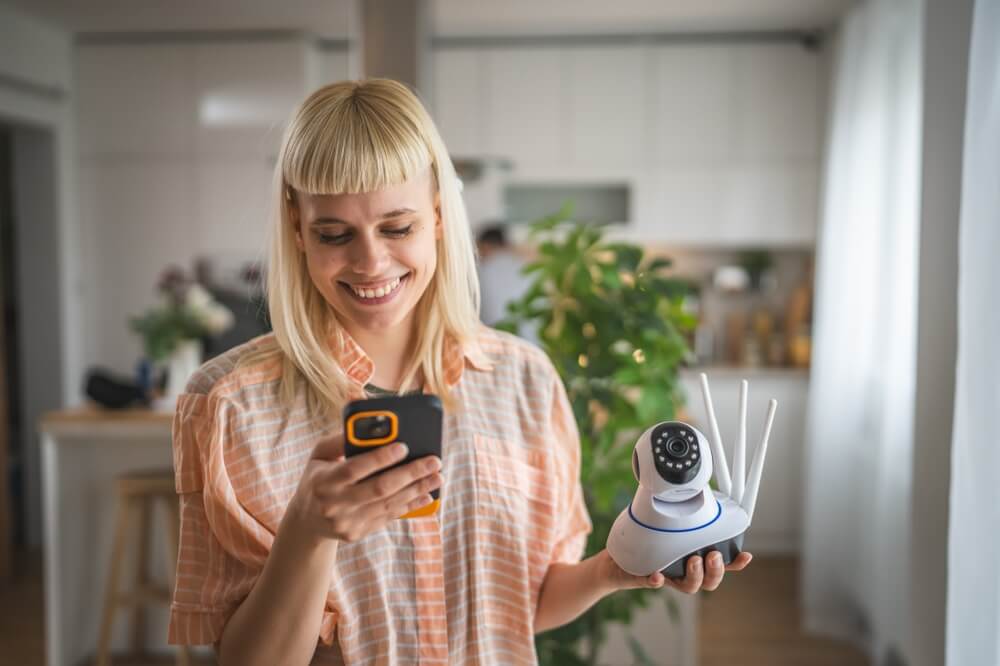
Security systems work by connecting a network of sensors, cameras, and alarms to a central control panel that monitors your property around the clock. Each component serves a specific role, and the value of the overall setup depends on how well those pieces work together.
Detection
Sensors placed at doors, windows, and high-traffic areas detect unauthorized movement or entry. When a sensor trips, it sends a signal to the control panel immediately. The speed and reliability of that signal depend on whether the setup runs on a wired or wireless connection.
Communication
The control panel processes every signal it receives and determines the appropriate response. Depending on the configuration, it can trigger an audible alarm, send a push notification to your phone, or alert a professional monitoring center. Systems built around security system integration route all of these responses through one platform.
Response
A monitored setup routes alerts to a live response team that can dispatch emergency services on your behalf. An unmonitored setup relies on the property owner to see the notification and take action. Monitored security systems provide a faster, more reliable response, especially during off-hours when no one is on site.
Working with a qualified security company ensures that detection, communication, and response are configured properly from the start. Gaps in any one layer can undermine the entire setup.
What are the main components of a security system?
Every effective setup includes several core components working in coordination. Here is what each one does and why it matters.
Sensors & detectors
Door and window sensors trigger when a contact point is broken. Motion detectors cover interior zones and exterior perimeters. Glass-break detectors pick up the specific frequency of shattered glass. Experienced security companies position each sensor based on a building’s specific layout to maximize coverage and eliminate blind spots.
Cameras & video surveillance
CCTV and IP cameras provide a visual record of activity across your property. Look for models with at least 1080p resolution, night vision, and wide-angle lenses. Cloud storage or local DVR/NVR options let you review and retrieve footage remotely at any time. In most modern security systems, cameras also trigger automated responses like locking doors or alerting monitoring teams when motion is detected in restricted zones.
Access control
Keycard readers, fob systems, keypads, and biometric scanners allow you to grant, restrict, or track entry across your building. Each access point logs every entry and exit automatically, giving you a clear audit trail of who comes and goes throughout the day.
Alarm systems
Audible alarms serve as both a deterrent and an alert mechanism. Modern alarm panels connect directly to monitoring centers that verify the threat and contact authorities on your behalf. When paired with cameras and access control, alarms become part of a coordinated response rather than a standalone noise.
Intercoms & remote doorman
Video intercoms allow you to verify visitors before granting access. Through security system integration, these tools sync with cameras and access control to log every visitor interaction automatically.
Smart locks
Next-generation locking solutions pair with access control platforms and mobile apps for remote management. They combine physical durability with digital flexibility, letting you lock and unlock doors from anywhere. Many also integrate with broader security systems for centralized control.
Property owners evaluating these components for the first time should consider which setup matches their property type and risk profile before committing to any specific hardware.
What is the difference between a security system and an alarm system?
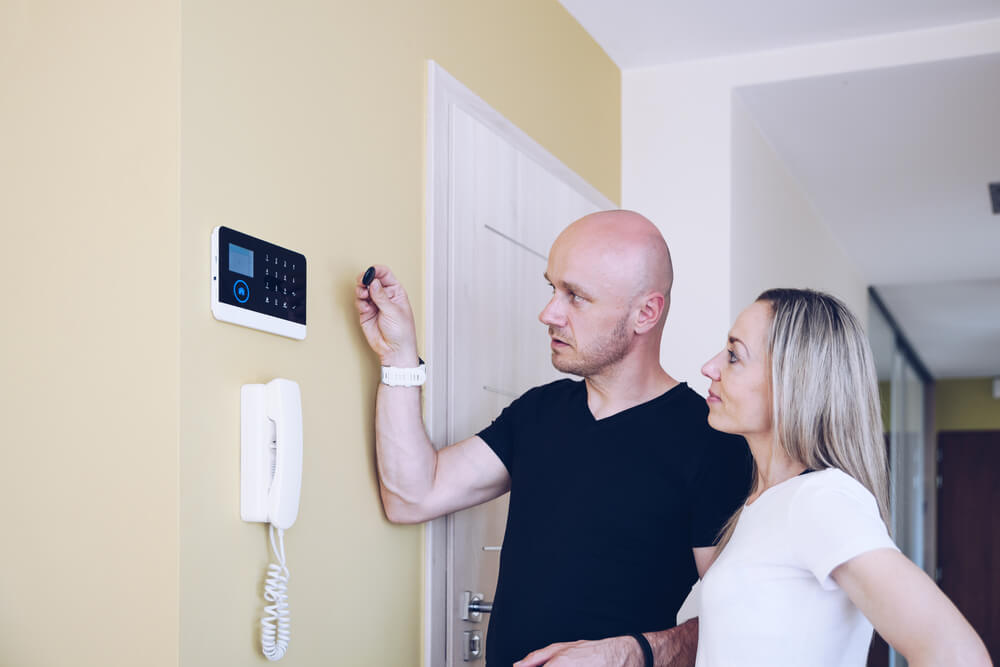
An alarm system is one piece of a broader protection setup. It detects intrusion and sounds an alert. A full security system goes much further. Here is how the two compare:
- Detection scope: An alarm responds to a single trigger like a door or window breach. A full system adds motion sensors, glass-break detectors, and video verification across multiple zones.
- Visual record: Alarms produce no footage. A full system captures and stores video so you can review exactly what happened and when.
- Access control: Alarm-only setups have no way to manage who enters your building. A full setup with access control logs every entry and exit automatically.
- Response coordination: An alarm sounds locally or sends a basic alert. A connected platform through security system integration can lock doors, record video, and notify a monitoring team simultaneously.
- Remote management: Standalone alarms offer limited or no remote access. A full system lets you arm, disarm, and monitor everything from a mobile app.
Many security companies offer alarm-only packages at a lower price point, and these may work for low-risk spaces with minimal entry points. However, for multi-unit buildings, commercial properties, or any location with high foot traffic, a full system delivers far more reliable protection.
What is the control panel in a security system?
The control panel is the central hub that ties every component together. It receives signals from sensors, cameras, and access points, processes them, and triggers the appropriate response.
What it manages
Every device in the setup reports to the control panel. When a door sensor trips at 2 a.m., the panel determines whether to sound the alarm, send a notification, or alert a monitoring center. It also manages arm and disarm schedules, zone configurations, and user access codes.
Wired vs. wireless panels
Wired panels connect to each device through physical cabling. They are reliable but harder to retrofit into existing buildings. Wireless panels communicate over radio frequencies or Wi-Fi, making them faster to deploy and easier to expand. Most modern panels support both connection types, giving security systems the flexibility to mix wired reliability with wireless convenience.
Cloud-connected panels
Cloud-enabled panels store data remotely and allow full system management through a mobile app. You can arm your setup, review alerts, and check camera feeds from anywhere. Cloud connectivity also enables automatic firmware updates, keeping the system current without requiring on-site service visits.
The best security companies design these panels to serve as the single command center for cameras, alarms, and locks at every access point. Providers that prioritize security system integration build everything around this hub so the entire setup runs through one interface.
Looking for the best security system installation in NYC? ADR has you covered
Knowing what each component does is the first step. Getting them to work together properly is where most setups succeed or fail. ADR Security has spent more than 25 years designing systems where every sensor, camera, lock, and alarm works as a unified whole.
As a second-generation team with over 80 years of industry knowledge, we build protection around your property’s layout and risk profile, then back every project with warranties from 90 days to four years.
Whether your building is a few blocks from Times Square or another part of the five boroughs, schedule a walkthrough with us and let us show you what a properly connected setup looks like in practice.


