
Key Takeaways
- Cameras cover the aisles, docks, and corners a small team cannot watch.
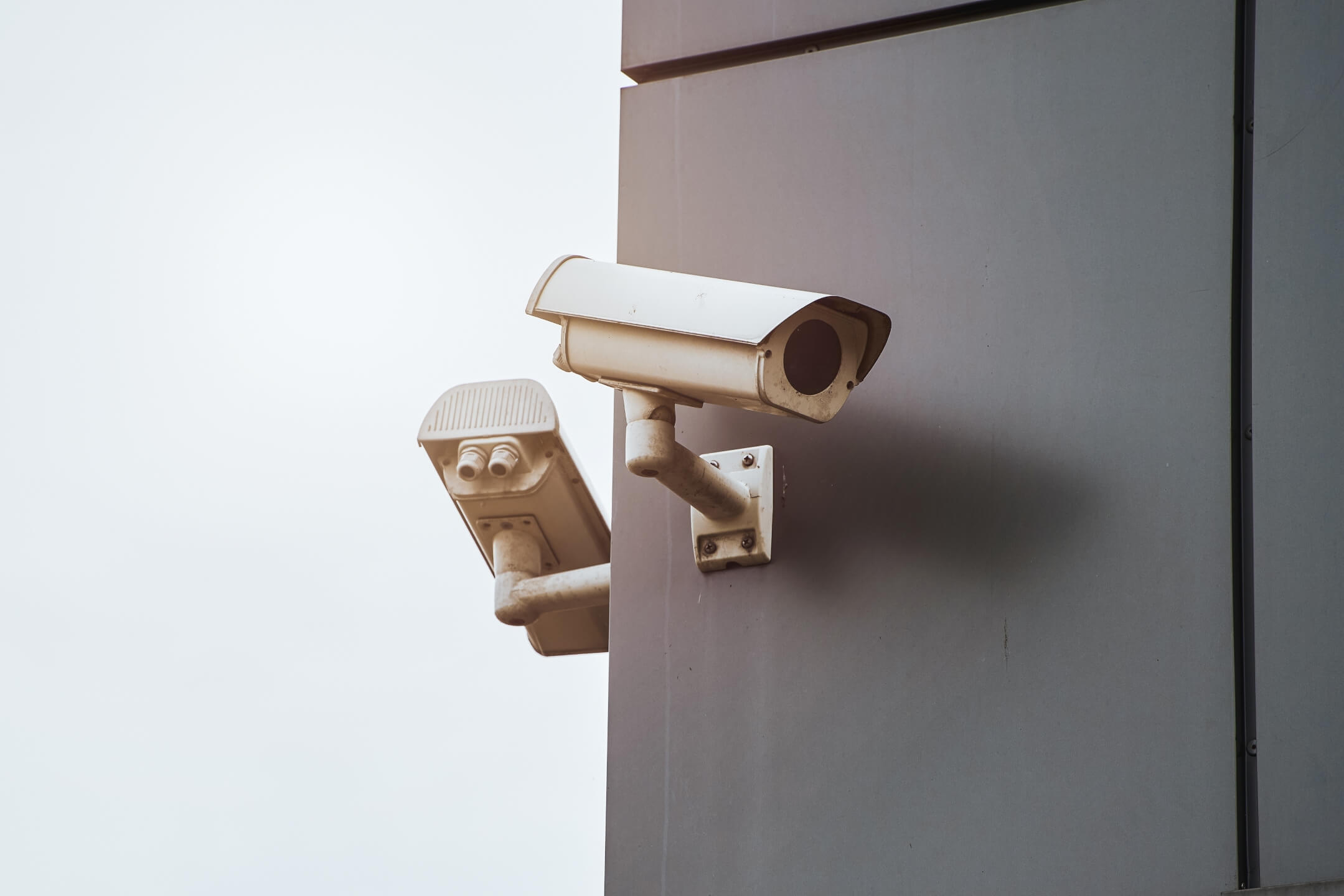
- Dome, bullet, and PTZ units each suit a different zone of the building.
- Blind spots hide behind tall racking, columns, and stacked pallets.
- Wired power keeps footage steady where wireless signals drop out.
- Old coverage often falls behind once racking and docks change.
Most people assume more cameras mean more security. The real difference is where each lens points, not how many you hang. A dozen units aimed at the wrong angles still leave a loading dock exposed, while a handful placed with intent can watch an entire floor.
That is why professional warehouse security camera installation services in NYC start with a floor survey rather than a product list. The smartest owners have the whole building mapped for coverage before a single camera goes up.
Why do warehouses need security cameras?
Storage facilities need security cameras because they store valuable goods, cover large areas, and often sit empty overnight. A few staff cannot watch every dock, aisle, and exit at once. Cameras close that gap in several ways:
- Theft deterrence. Visible cameras discourage both outside intruders and internal shrinkage.
- Evidence. Recorded footage supports investigations, insurance claims, and disputes.
- Remote oversight. Managers check live feeds from a phone, even off-site.
- Operational insight. Video reveals bottlenecks, safety issues, and process gaps.
Research on video surveillance supports this, finding a modest but real drop in crime where cameras are used, with the strongest results when systems are actively monitored. The same work notes that cameras perform best alongside other measures rather than on their own. That is why a proper security system setup for warehouses places cameras next to alarms and controlled entry rather than in isolation.
What type of security camera is best for a warehouse?
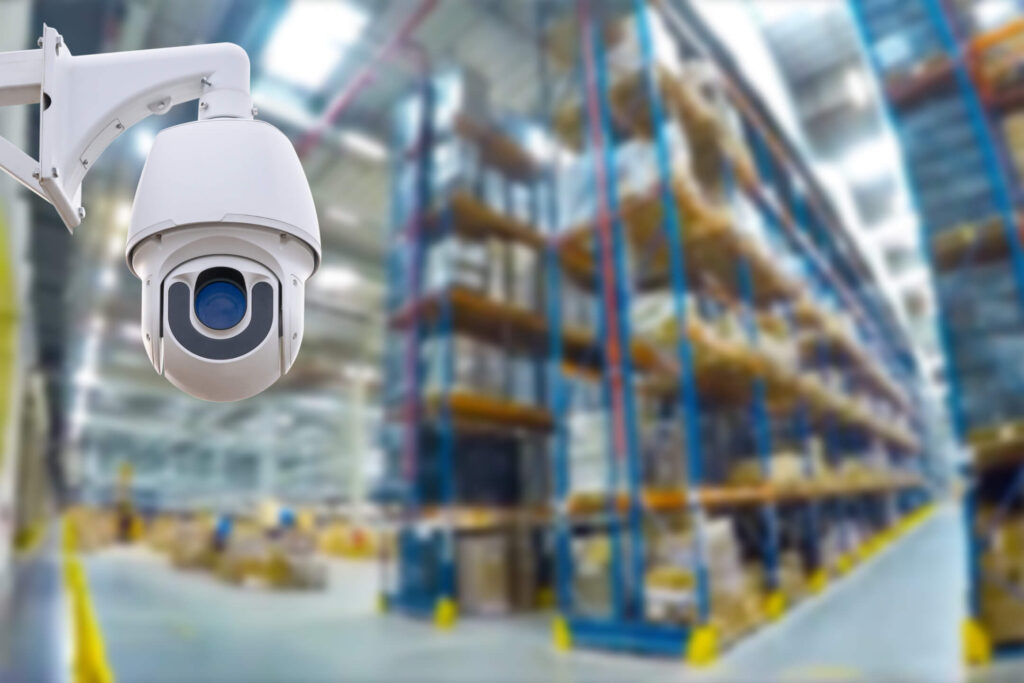
The best camera depends on the zone, but most storage facilities use a mix of dome, bullet, and pan-tilt-zoom (PTZ) cameras. No single type covers every need across a large facility. Match the camera to the job:
- Dome cameras. Discreet and vandal-resistant, suited to indoor aisles and general coverage.
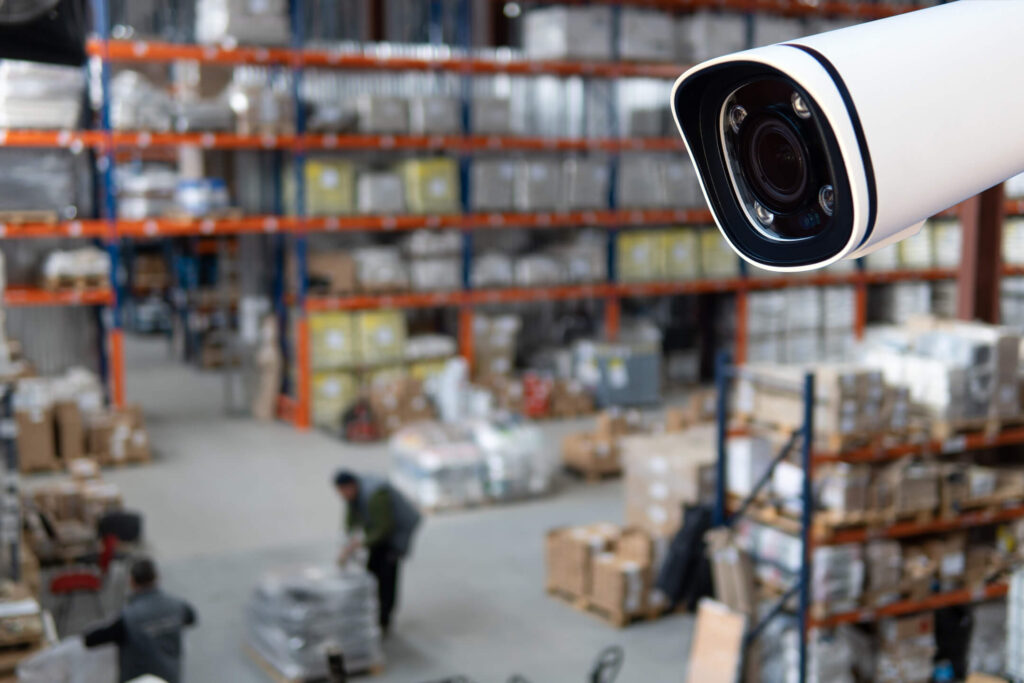
- Bullet cameras. Long-range and weatherproof, ideal for perimeters and parking areas.
- PTZ cameras. Pan, tilt, and zoom units that track movement across wide spaces.
- Thermal or low-light cameras. Reliable detection in dark corners and overnight conditions.
A well-designed security system setup for warehouses usually blends these types rather than relying on one. Busy docks may need PTZ coverage, while quiet storage rows do fine with fixed domes. Expert installers ensure that resolution is matched to distance, since a camera that looks sharp up close can blur a face across a long bay.
How many cameras does a warehouse need?
There is no fixed number, since the right count depends on the size, layout, and risk profile of the building. A small storage unit may need six cameras, while a distribution center needs dozens. Base the count on these factors:
- Square footage and ceiling height, which affect how much each camera can see.
- Layout complexity, including racking, walls, and separate rooms that block sightlines.
- Entry and exit points, which all need dedicated coverage.
- Valuable stock and cash-handling areas that warrant extra angles.
Doors deserve particular focus, since they mark where goods and people move in and out. Most operators give each entrance its own camera, so every arrival and exit is on record. Pairing that coverage with an entry control system that logs every door keeps footage and access records lined up. Rather than overbuilding, professional warehouse security camera installation services ensure that every camera earns its place, with none wasted and no corner left exposed.
How do you avoid blind spots in warehouse camera systems?
You avoid blind spots by planning the placement around the building’s layout, not just its walls. Tall racking, support columns, and stacked pallets all create hidden zones. Close those gaps with a few practical steps:
- Walk the floor at different times to spot shadowed or obstructed areas.
- Mount cameras high and angle them down along aisles rather than across them.
- Overlap fields of view so each camera covers the edge of the next.
- Add cameras at corners, stairwells, and dock doors where movement concentrates.
- Reassess after any racking change, since new shelving can block old sightlines.
Cover the entry points
Entrances deserve extra attention, since doors are where losses often start. Pairing a dock camera with an intercom that screens visitors at the gate covers both the visual and the access side. Skilled warehouse security camera installation services map these angles first, and any later warehouse CCTV system replacement should keep the same discipline so no corner goes unwatched.
Are PoE cameras better than Wi-Fi cameras for warehouses?
For most warehouses, PoE cameras are the stronger choice, though Wi-Fi has a place in specific situations.
The case for PoE
PoE, or Power over Ethernet, runs power and data through a single cable. That design brings clear advantages in a large industrial space:
- Reliability. Wired connections avoid the dropouts common in signal-heavy buildings.
- Simpler power. One cable handles both data and electricity, cutting outlet needs.
- Stable bandwidth. Wired feeds carry high-resolution video without lag.
- Security. A physical connection is harder to jam or intercept than a wireless one.
When Wi-Fi still makes sense
Wi-Fi cameras suit small offices, temporary setups, or spots where running cable is impractical. Metal racking and thick walls, though, often weaken wireless signals across a warehouse floor. For a permanent build on a large site, warehouse security camera installation services still lean toward PoE for its steadier performance.
How much do warehouse security cameras cost?
Costs can vary widely, driven mainly by the number of cameras, their quality, and the complexity of implementation. A basic setup for a small unit sits at the low end, while a large, connected setup runs much higher. As a rough guide, budget around these factors rather than a single price:
- Camera count and type, since PTZ and thermal units cost more than fixed domes.
- Resolution and storage, as higher-quality footage needs more recording capacity.
- Cabling and labor, which climb with building size and ceiling height.
- Monitoring and maintenance, if you add professional oversight or service plans.
These figures are estimates and shift with the brand, site, and scope of work. Most providers price the job after a survey, not from a catalog, and a warehouse CCTV system replacement is quoted the same way. Because video rarely works alone, it helps to weigh what alarm coverage adds to the same budget when planning a complete security systems setup for warehouses.
Who provides high-quality warehouse security camera installation services in NYC?
If your cameras went in years ago, there is a good chance your layout has since outgrown them. New racking, added docks, and shifting stock all open gaps that old coverage never accounted for. ADR Security has helped New York businesses close those gaps for more than 25 years, with 80-plus years of know-how behind every install. Our certified technicians survey the floor first, then design coverage around your docks, aisles, and blind spots.
We partner with leading manufacturers to combine high-resolution cameras, remote access, and dependable storage in one system. The same crew handles a full security systems setup for warehouses, so your video, alarms, and entry controls run together instead of as separate tools. Every install carries strong warranties and hands-on support well past the day the crew packs up.
Businesses near the Brooklyn Army Terminal and across the five boroughs count on us to watch what they cannot. Reach out today and find out where your current setup leaves you exposed.


